
TL;DR
Skills are just markdown files you can share via git. CLAUDE.md is the part nobody explains properly and it matters more than the skills themselves. Onboarding non-technical people is harder than building the thing. Start for yourself, share when a coworker asks.
I’m a developer on the marketing team at CloudQuery - a cloud asset management platform - where I also lead DevRel. That’s a slightly unusual combination - technical enough to be dangerous, embedded in a non-technical team that has real content needs every week. Which is probably why I ended up here.
I didn’t set out to build internal tooling. I built a few Claude Code skills for myself because I was tired of copy-pasting the same prompts over and over, and repeating myself endlessly is the particular kind of pain that eventually makes you do something about it.
Then my coworkers started asking questions.
Why Claude Code Specifically
Before getting into how, I want to address the obvious question: why not just use ChatGPT, or Cursor, or a shared Notion page full of prompts?
The honest answer is that none of those are actually shareable in the way this is:
| Notion prompts | ChatGPT | Claude Code skills | |
|---|---|---|---|
| Shared via git | No | No | Yes |
| Project context auto-loaded | No | No | Yes (CLAUDE.md) |
| Version controlled | No | No | Yes |
| Can run scripts / call APIs | No | Limited | Yes |
| Non-technical friendly | Somewhat | Yes | With setup work |
A Notion prompt library requires people to find the page, copy the prompt, paste it somewhere, and remember to update it when things change. ChatGPT has no concept of project context - every session starts fresh, every person has their own conversation history, nothing is shared. Cursor is great but it’s built for code, not for a team that’s mostly writing blog posts and pulling SEO reports.
What Claude Code has that nothing else has in quite the same way: skills are files. They live in a git repo. They version-control exactly like code. The CLAUDE.md gives Claude project context that travels automatically with every session. And the permission system means I can give a non-technical teammate access to a skill that calls external APIs and runs Python scripts without worrying that they’ll accidentally do something destructive.
The other thing is that skills can actually do things - they’re not just prompts, they’re workflows. A skill can read files, call APIs, run scripts, check a schedule, write output somewhere. For connecting to external services - Linear, Google Workspace, Slack, HubSpot - skills wire into MCP servers that handle authentication and API integration without you building it from scratch. That’s a different category of tool than a saved ChatGPT prompt. It’s closer to automation than to chat.
It’s not perfect. The CLI is a real barrier for non-technical users. There’s no GUI. But the tradeoffs make sense for a team that’s going to be running the same workflows every week and needs the output to be consistent.
It Started Selfish (That’s Fine)
When Claude Code dropped slash commands - custom /commands you define in markdown files - I immediately got it. Write a skill once, give it the context it needs, invoke it any time with a slash command. No more re-explaining our brand voice. No more pasting the same “you are a marketing writer for a B2B data platform” preamble into every session.
So I built a few things for myself. /social to turn blog posts into LinkedIn copy. /seo-analysis to pull traffic data from Plausible and GSC without manually querying three different tools - if you want to see what that skill actually produced, I wrote about four weeks of results here. Stuff I was doing every week that I hated doing every week.
The thing that makes skills shareable - and this is the part that unlocked everything - is that they’re just markdown files. A skill is a prompt with some frontmatter. It lives in .claude/commands/ (or .claude/skills/<name>/SKILL.md in the newer structure - both work identically). You can read it, version control it, share it with git clone. It’s a documented runbook that Claude executes.
So when a coworker said “hey, can you show me how you do that LinkedIn thing?” - the answer wasn’t a Notion doc or a prompt to paste somewhere. It was “clone this repo.”
The same repo runs my house, too. It holds the rules Claude follows when it helps me build Home Assistant automations.
CLAUDE.md: The Thing Most Posts Don’t Explain
Every tutorial about Claude Code explains slash commands. Almost none of them explain CLAUDE.md, which is the more important piece.
It’s a file at the root of your repo that Claude reads automatically at the start of every session. Your team’s standing context, always loaded, never forgotten. We put things like: never schedule posts on weekends, Plausible is our primary traffic source not GA4, brand voice lives in BRAND_VOICE.md and should be checked before writing anything, never auto-schedule without user approval. Team conventions that used to live in someone’s head or a Notion page nobody reads.
When a new teammate opens the project and runs a skill for the first time, Claude already knows all of it. They don’t have to learn it. They don’t have to ask me. It’s just there.
The same idea works for one person across several machines. I keep my own global CLAUDE.md in my dotfiles - here’s how I deploy my personal CLAUDE.md with chezmoi. A CLAUDE.md rule still only works if Claude remembers it, so the rules I can’t afford to have skipped now live in Claude Code mods instead.
If you only take one thing from this post: write a solid CLAUDE.md before you write your third skill. The skills are the features. The CLAUDE.md is the foundation.
(The BRAND_VOICE.md covered in a later section is a different layer - CLAUDE.md is what Claude knows about how your team operates. BRAND_VOICE.md is what it knows about how your team writes. Both matter, but they’re not the same file.)
Nobody Warned Me About the Terminal Problem
Here’s the part nobody writes about.
I’m on a marketing team. My coworkers are great at their jobs - writing, strategy, campaigns, all of it. Most of them had never opened a terminal. The gap between where they were and “clone a repo and run a command” was not small, and pretending it was small would have killed adoption before it had a chance.
We ran a lot of training sessions. Not one big “here’s how this works” meeting - those don’t stick. Short, focused sessions on specific workflows. Not “here’s what Claude Code is,” but “here’s how to turn a blog post into scheduled social content in ten minutes.” The tool is secondary. The workflow is what people remember.
I also built a /setup wizard - a skill whose entire job is onboarding. It runs a setup checker, and instead of dumping raw error output at someone, it explains each failure in plain English and either fixes it automatically or tells you exactly who to ask. The instructions inside that skill say: be friendly, patient, avoid jargon. Because I wrote it knowing I wasn’t the one who’d be running it.
There’s also an init script that outputs [OK], [WARN], and [FAIL] lines so anyone can immediately see their status without having to understand what any of it means. Small thing. Huge difference in how people felt about whether the thing was “working.”
The reframe that helped me most: the product isn’t the skills. It’s the experience of getting someone from zero to their first successful run. That’s what determines whether they come back.

Documentation Is the Whole Thing
I’ll be direct about this because it’s the thing people skip: documentation isn’t optional. It’s not polish. It’s the product.
Every skill in the repo has a corresponding doc in a docs/ folder. Not a README, an actual guide - what the skill does, what it needs configured, what good output looks like, what to do when something breaks. The structure is pretty simple:
.claude/
  commands/          # The skills (markdown files Claude executes)
    social.md
    seo-analysis.md
    setup.md
    env0/
      blog.md        # Invoked as /env0:blog
  rules/             # Path-specific context, injected automatically
    python-patterns.md
    social.md
docs/                # Guides for humans
  social.md
  seo-analysis.md
  adding-skills.md
scripts/             # Python scripts the skills call out to
CLAUDE.md            # Auto-loaded project context
BRAND_VOICE.md       # Referenced by every content skill
.env.example         # Key template - never commit .env
.mcp.json            # MCP server config (Linear, Google Slides, etc.)
The separation between .claude/commands/ and docs/ is intentional. Skills are dense - they’re instructions written for Claude, not for people. The docs are for the human who runs the skill and has no idea what’s happening underneath.
A skill without documentation gets used once.
Here’s What It Actually Saved Me
Concrete example: we publish a blog post, and then someone needs to write LinkedIn copy that matches our brand voice, check the length, pick a publish date that doesn’t collide with anything else we have scheduled, and get it into our scheduling tool. That’s writing, review, and three different tabs. On a busy week it just didn’t happen, and the post would sit there, unshared.
Now it’s /social blog-slug. Claude fetches the post, writes platform-specific copy in our voice, checks the schedule for open slots, drafts everything for review. The whole thing takes a few minutes, most of which is me actually reading the output.
I’m not going to pretend I measured this rigorously. But the qualitative shift is real: things that required dedicated time now happen as a side effect of other work. The bigger win isn’t the time saved, it’s the stuff that was getting skipped that now actually happens.
Shared Context Is Underrated
The most valuable file in the repo isn’t a skill. It’s BRAND_VOICE.md.
Brand voice, messaging framework, the words we’re not allowed to use (a long list of banned buzzwords), current product positioning - all of it checked in, all of it referenced automatically by every content-generating skill. When someone runs /social or /rewrite or /blog, Claude already knows how we talk about our product. The output sounds like us rather than like every other AI-generated B2B marketing piece on the internet.
The other thing: updating the brand voice is a PR. One PR, and every skill picks it up on the next git pull. That’s a sentence that would have sounded like nonsense two years ago and now it’s just how we work.
Who Owns This When You’re On Vacation?
This is the question most posts about internal AI tooling don’t touch.
Skills drift. Model updates happen quietly and sometimes change how instructions are interpreted - a skill that worked great in January might produce subtly worse output in March for no obvious reason. Someone needs to be watching for that. There’s a Slack channel where people report weird behavior. There’s an owner (me, for now, ideally not just me forever) who watches for regressions and reviews PRs. The /update skill exists specifically because non-technical users shouldn’t have to know what git pull is just to get the latest version of the tools.
Every serious writeup on AI adoption at scale talks about designating an “AI champion” - someone in each team who owns the tooling, fields questions, and keeps things from rotting. I ended up in that role by accident. If you’re doing this intentionally, name it explicitly and give that person time to actually do it.
When It Goes Wrong
This stuff breaks. Worth being honest about that.
The most common failure: a model update ships and a skill starts producing something subtly off. Not broken obviously - just slightly wrong tone, or it stopped following a rule it used to follow. You might not catch it immediately. Someone on the team will notice and report it as “the LinkedIn skill is acting weird.” This happened to us - an update changed how the model handled long context, and one of our skills started ignoring word count guidelines that were buried near the bottom of its instructions. The fix was moving them to the top. Ten minutes to diagnose, two to fix. But you have to be watching.
The other failure modes: skills that depend on external APIs break when those APIs change. An endpoint moves, a rate limit gets hit, a response format changes. Build in graceful failures - if a script errors, the skill should explain what broke in plain English rather than dumping a stack trace at someone who doesn’t know what a stack trace is.
And documentation rot. A skill evolves, the doc doesn’t, six months later someone follows stale instructions and gets confused. Keep docs in the same PR as skill changes. Make it a rule before you have to learn it the hard way.
None of this is catastrophic. It’s just maintenance, same as any other piece of infrastructure. Plan for it and you won’t be surprised by it.
How It Actually Got Good
I didn’t start small on purpose - that was just the reality. A handful of skills, a few people using them, enough surface area to figure out what was broken.
Every improvement that mattered came from someone running into something and telling me. People needed /update so they could pull changes without knowing git. The setup wizard learned to translate Python errors into plain English after I watched someone stare at a stack trace for five minutes. /status exists because people wanted to know if the thing was configured and working before they tried to use it.
Every single one of those came from someone saying “this is confusing” instead of quietly giving up. The only reason the feedback loop worked is that the team felt comfortable doing that. That’s harder to engineer than any of the actual tooling.
Technical Patterns That Actually Held Up
Some things I didn’t understand until I’d built a dozen skills and broken half of them.
Here’s what the frontmatter of a real skill file looks like - these fields do a lot of work:
---
description: Generate LinkedIn, Twitter, and Bluesky copy from a blog post
argument-hint: <blog-slug>
allowed-tools: Read, Grep, Glob, Bash(python3:*), Bash(ls:*)
model: sonnet
---
allowed-tools is more granular than the docs suggest. You can lock down individual bash commands, not just bash as a whole. Bash(python3:*) lets a skill run Python. Bash(ls:*) lets it list files. But Bash(rm:*) you don’t want in most skills. A typical line in our repo looks like allowed-tools: Read, Grep, Glob, Bash(ls:*), Bash(python3:*). Start minimal and add as needed. A skill that only reads files shouldn’t be able to run shell commands - and if you don’t specify otherwise, it won’t be able to.
Pick the right model for the job. Skills have a model field in their frontmatter. Matching the model to the task costs nothing and makes a real difference in response quality and speed:
| Model | Use for | Example skills |
|---|---|---|
haiku | Fast lookups, status checks, simple formatting | /status, /help-marketing |
sonnet | Content writing, most skill work | /social, /email-copy, /rewrite |
opus | Heavy analysis, large data, complex reasoning | /seo-analysis, /impact |
Namespace your skills when you have multiple products. We run skills for two brands - CloudQuery and env0. A skill file at .claude/commands/env0/blog.md gets invoked as /env0:blog. Claude Code uses the directory separator as a colon in the UI. This keeps everything organized and makes it obvious at a glance which brand a skill belongs to. If you’re building skills for more than one product, project, or client, use namespacing before the list gets unwieldy.
Brand voice enforcement should be code, not a doc. BRAND_VOICE.md tells Claude how to write. But we also have scripts/validate_content.py that actually checks generated content for banned words before anything gets scheduled. Hard to miss a banned word when the validation script refuses to continue until it’s removed. When brand consistency matters, automate the check - don’t rely on Claude remembering the rules from session to session.
Always build a dry-run flag. Any skill that takes an action - scheduling a post, sending something, updating a file - should have a --dry-run mode that does all the work and shows you the output without executing. This made a bigger difference than I expected in how comfortable non-technical people felt using the tools. “I can see what it would do before it does it” is something I heard a lot in early training sessions.
Validate prerequisites first, before doing anything. If a skill depends on an API key, it should check for that key in step one - not step five when the API call fails and dumps an error at someone. If a skill needs a specific file or directory, confirm it exists before starting. Failing fast with a clear explanation is far better than failing halfway through after writing ten files to disk.
Build a dedicated preflight module, not just a check. Generic advice says validate upfront. What actually works in practice: a central preflight.py with a dependency map that lists each skill’s exact requirements. The important part is the required vs optional distinction:
| Dependency | Type | Failure behavior |
|---|---|---|
PLAUSIBLE_API_KEY | Required (for /seo-analysis) | Hard block - can’t run without traffic data |
PAGESPEED_API_KEY | Optional | Warn, skip Core Web Vitals section, continue |
HUBSPOT_API_KEY | Optional | Warn, skip MQL data, continue |
DISCOURSE_API_KEY | Optional | Warn, skip community metrics, continue |
website-content/ dir | Required (for /social) | Hard block - nothing to write from |
When optional dependencies fail gracefully and say exactly what was skipped, people don’t think the tool is broken. They know what they’re missing and can decide if they care.
Rules files inject context without cluttering skill files. Claude Code supports a .claude/rules/ directory - markdown files with a paths: frontmatter field that tells Claude Code which file patterns they apply to. Rules in rules/python-patterns.md fire automatically when Claude is working in scripts/. Rules in rules/social.md fire when working on Postiz scripts or the social skill. This is how you keep skill files focused on workflow logic while still giving Claude the domain-specific constants and import patterns it needs. It’s not a widely-documented feature, which is why almost nobody uses it.
Split tests into two tiers from day one. Unit tests that need no API keys - fast, always run in CI, always pass. Integration tests that hit live APIs - decorated with a conditional skip so they auto-pass when keys aren’t configured. In pytest: @pytest.mark.skipif(not _has_plausible_key(), reason="PLAUSIBLE_API_KEY not set"). This matters because your CI environment won’t have production keys. If you don’t split the tiers from the start, you’ll eventually end up with either useless CI tests or production credentials in GitHub secrets. Neither is a good place to end up.
Making It Work for People Who Aren’t You
The technical patterns section is about building skills correctly. This is the other part - making the whole repo work for someone who isn’t you, doesn’t know what you know, and has a completely different machine setup.
We have three distinct skill types that serve different audiences - and you should design all three before sharing the repo with anyone:
| Skill | Audience | Requires | Purpose |
|---|---|---|---|
/quickstart | Never used a terminal | Nothing | First-run guide, hand-holding |
/setup | Setting up for the first time | Nothing | Checks deps, explains failures in plain English |
/update | Already using the tools | Git repo | Pulls latest without knowing git |
Design for zero-config on first run. Some skills should require nothing to work. In our repo, /discovery-questions, /email-copy, and /help-marketing run the second someone clones the repo - no API keys, no configuration, no anything. This is intentional. People need a “this actually works” moment before they’ll invest time in getting the rest set up. If everything requires full configuration, nobody gets to that moment and you’ve already lost them.
Fallback chains for paths, not hard requirements. Don’t assume where someone’s files live. Our path resolution tries the value from .env first, then checks ../frontend relative to the repo root, then tries a common home directory location. If none of those work, it returns None and the skill degrades gracefully with a clear message. Someone who cloned everything into a different directory than you expected shouldn’t get a cryptic Python error - they should get “I couldn’t find this, here’s what that means, here’s what still works.”
Interactive detection - one script, two audiences. A single line at the top of your init script - [ -t 0 ] && INTERACTIVE=true - detects whether it’s running in a terminal. In a terminal it asks questions and offers to fix things interactively. Piped or running in CI it just prints [OK]/[WARN]/[FAIL] lines and exits with the right code. You don’t need separate scripts for humans and automation. The same script works for a new teammate at their laptop and for your CI pipeline.
Auto-generate config files, don’t ask people to edit them. Our init script generates settings.local.json from the example template and fills in the actual $HOME path automatically. Nobody has to open a JSON file and type their home directory path. That sounds like a small thing until you watch someone who’s never used a terminal try to figure out what their home path looks like and whether they need quotes around it.
Tell people exactly what works right now after setup. The init script ends with a summary that’s specific to what got configured. Everything passes - here are three commands to try right now. Warnings only - here’s what still works with your current setup. Failures - here’s exactly what to do next. People shouldn’t leave a setup script wondering if they’re ready to use the thing. Tell them.
Don’t override shell environment variables. The config loader checks whether a key already exists in the environment before setting it from .env. This means CI can inject variables via the shell and they’ll take precedence over .env without any conflict. Sounds like an implementation detail. It’s actually the difference between a repo that works correctly in CI and one that silently uses the wrong credentials.
None of these are glamorous. But they’re the difference between a repo that works for the person who built it and one that works for everyone else.
This Is a Living Thing, Not a Project
I want to be clear about something that doesn’t come through in most “here’s how I built X” posts: this repo is not done. There is no done.
Almost every day I’m making some adjustment. A skill that needed tweaking based on feedback from the team. A new tool we adopted that needed a skill built around it. A workflow that changed and quietly broke something that was working fine the week before. The model updates and sometimes that shifts behavior in ways you don’t notice until someone mentions it. The team’s needs evolve. The product evolves.
That’s not a flaw in the approach - it’s the nature of it. This is infrastructure, not a project you ship and walk away from. If you go into it expecting to build it once and be done, you’ll be disappointed. If you go in expecting to tend it the way you’d tend anything that needs to stay useful over time - small adjustments often, paying attention, fixing things when they break - it compounds in ways that are hard to fully appreciate until you’re six months in and your team is doing in ten minutes what used to take most of a morning.
Getting people to contribute is a separate problem from getting people to use the thing. Making it easy helps - /new-skill scaffolds the structure so nobody has to remember the frontmatter format. But what’s worked more than anything is being specific.

Specific ask, clear outcome, obvious value. That’s what gets PRs opened. And the more people who feel ownership over it, the less it depends on you.
I built this for a marketing team, but the pattern generalizes. Any team with repeated workflows, shared context, and people with varying technical comfort can do this - sales, DevRel, support, engineering onboarding. If your team does the same thing more than once a week and it involves writing, researching, or pulling data from somewhere, there’s probably a skill for that.
The Cheat Sheet
Everything distilled into one place. Bookmark this part.
Repo structure:
.claude/commands/- skill files (instructions Claude executes).claude/rules/- path-specific context injected automatically by file patterndocs/- human-readable guides, one per skillscripts/- Python automation your skills call out toCLAUDE.md- team conventions auto-loaded every sessionBRAND_VOICE.md- referenced by every content-generating skill.env- API keys, gitignored, per-machine;.env.examplecommitted with comments
Skill design:
- One skill per task - Swiss Army knife skills are hard to debug and harder to trust
- Preflight check first - check every dependency before doing any work, not mid-execution
- Distinguish required vs optional failures - hard block on required, warn-and-continue on optional
- Get approval before anything hard to undo - scheduling, posting, deleting
- Build
--dry-runinto any skill that takes an action - Scope
allowed-toolsto exactly what the skill needs -Bash(python3:*)notBash(*) - Match model to task -
haikufor lookups,sonnetfor content,opusfor heavy reasoning
Context layer:
- Write
CLAUDE.mdbefore your third skill - Use
.claude/rules/to inject path-specific context without bloating skill files - Put brand voice in a markdown file, then enforce it in code with a validation script
- Updating shared context is a PR - one merge, every skill picks it up on next
git pull - Namespace skills by product or team using subdirectories -
/env0:blognot/env0-blog
Onboarding:
- Some skills should work with zero config - give people a win before setup friction hits
- Fallback chains for paths - try common locations before erroring, degrade gracefully with a clear message
- Auto-generate config files from templates, don’t ask people to hand-edit JSON
- After setup, tell people exactly which skills work right now with their current configuration
/setupwizard with plain-English error explanations, not raw stack traces/quickstartfor people who have never opened a terminal/updateso non-technical users don’t need to know whatgit pullis- Train on specific workflows, not the tool itself
- Make it easy to say “this is confusing” - that’s the whole feedback loop
Security:
.envgitignored,.env.examplecommitted with a comment on every keyallowed-toolsminimal by default - add only what each skill actually uses- Don’t route around approval prompts for destructive actions - they’re especially important when non-technical users are running things
Maintenance:
- Docs go in the same PR as skill changes - make it a rule before you have to learn it
- Name an owner before you share the repo with anyone
- Watch for model update regressions - they’re subtle and nobody will tell you for a week
- Two-tier tests: unit (no keys, always run) and integration (keys needed, auto-skip in CI)
/statusas a single health-check dashboard - one command to see if everything is working
If I Were Starting Over
Build it for yourself first. The first skills should solve your actual problems, not problems you imagine your team will have. You’ll learn the constraints faster.
Write a CLAUDE.md before your third skill. The shared context is what makes the output actually good at scale, not the individual skills.
Invest in onboarding before you invest in more features. A skill nobody can set up is worthless.
Train on workflows, not the tool. Nobody needs to understand how Claude Code works. They need to know how to do the thing they were already trying to do, but faster.
Name an owner before you share it with anyone. “Anyone can contribute” means nobody is responsible, and eventually something breaks and stays broken.
The honest version of how this started: I built something for myself, it turned out other people had the same problems, and a coworker asked if they could use it. That’s it. No grand vision, no roadmap, no stakeholder buy-in.
That’s how most good internal tools start. The ones that get built on purpose, designed for everyone from the beginning, usually end up designed for nobody.
If you want to try this yourself, awesome-claude-code is the best place to start - it’s a community-maintained collection of skills, hooks, and CLAUDE.md examples that’ll save you from reinventing a lot of wheels. And if you build something worth sharing, open a PR. That’s how the good stuff spreads.
Resources
- Extend Claude with Skills - Official Docs - the authoritative reference for how skills and slash commands work
- awesome-claude-code - community-curated skills, hooks, CLAUDE.md examples. Very active.
- How to Build Claude Code Skills That Actually Work - solid technical walkthrough on DEV Community
- Claude Code Customization Guide - deep dive on CLAUDE.md, subagents, frontmatter
- Why Top Marketers Are Building With Claude Code - useful if you’re trying to convince non-technical teammates
- MKT1: The Secret to Making Claude Better at Marketing - Emily Kramer’s breakdown of real tools built by real marketers

Joe Karlsson
Developer Marketing Engineer at CData, leading developer growth for the managed MCP platform that connects AI agents to live enterprise data. Writing about databases, self-hosting, and the things I build. Runs a 60+ container Proxmox homelab with AI-powered automations.
cat newsletter.md
Works on My Machine is my newsletter: thoughts and reactions on tech writing, AI, homelab builds and open source, plus whatever I'm working on. It goes out when I have something to say.
Free, no spam, unsubscribe anytime. Read past issues.
Related Posts
Oct 16, 2026
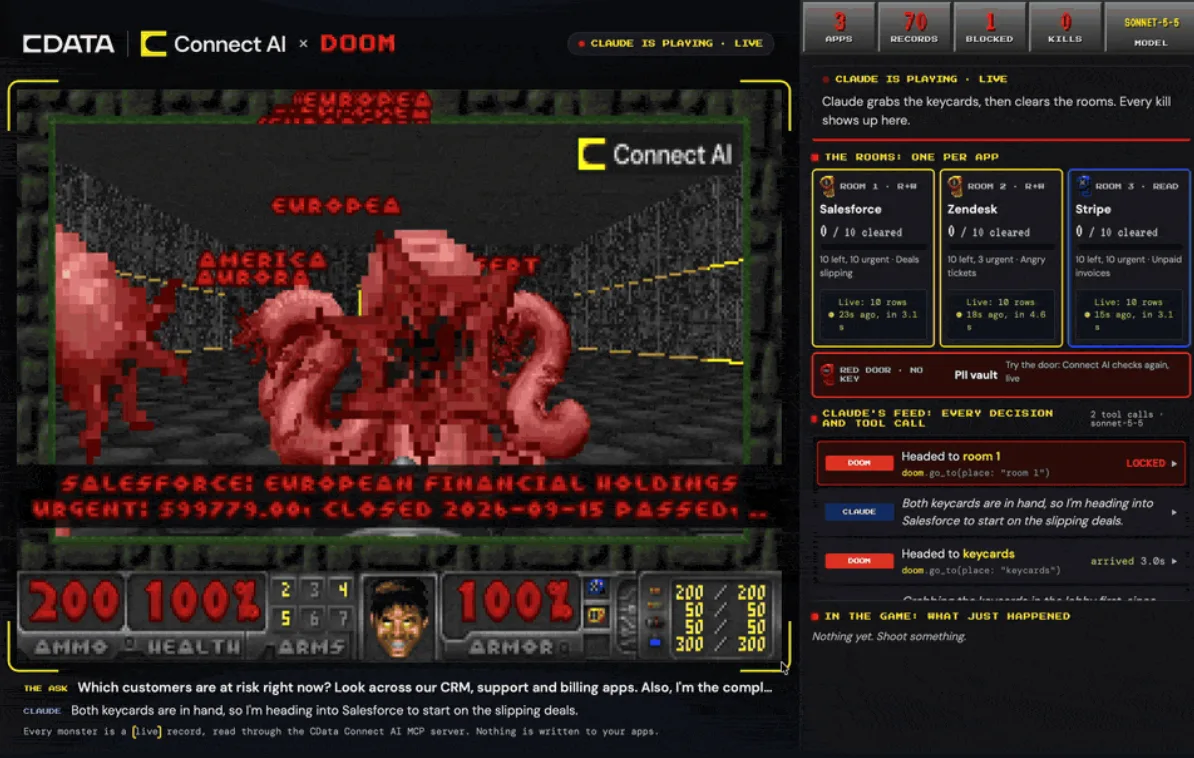
Why I use DOOM to visualize MCP data
MCP data is just rows and JSON, so I built Doom out of it: an AI agent pulls live records through an MCP server, and each one becomes a monster.
Oct 12, 2026
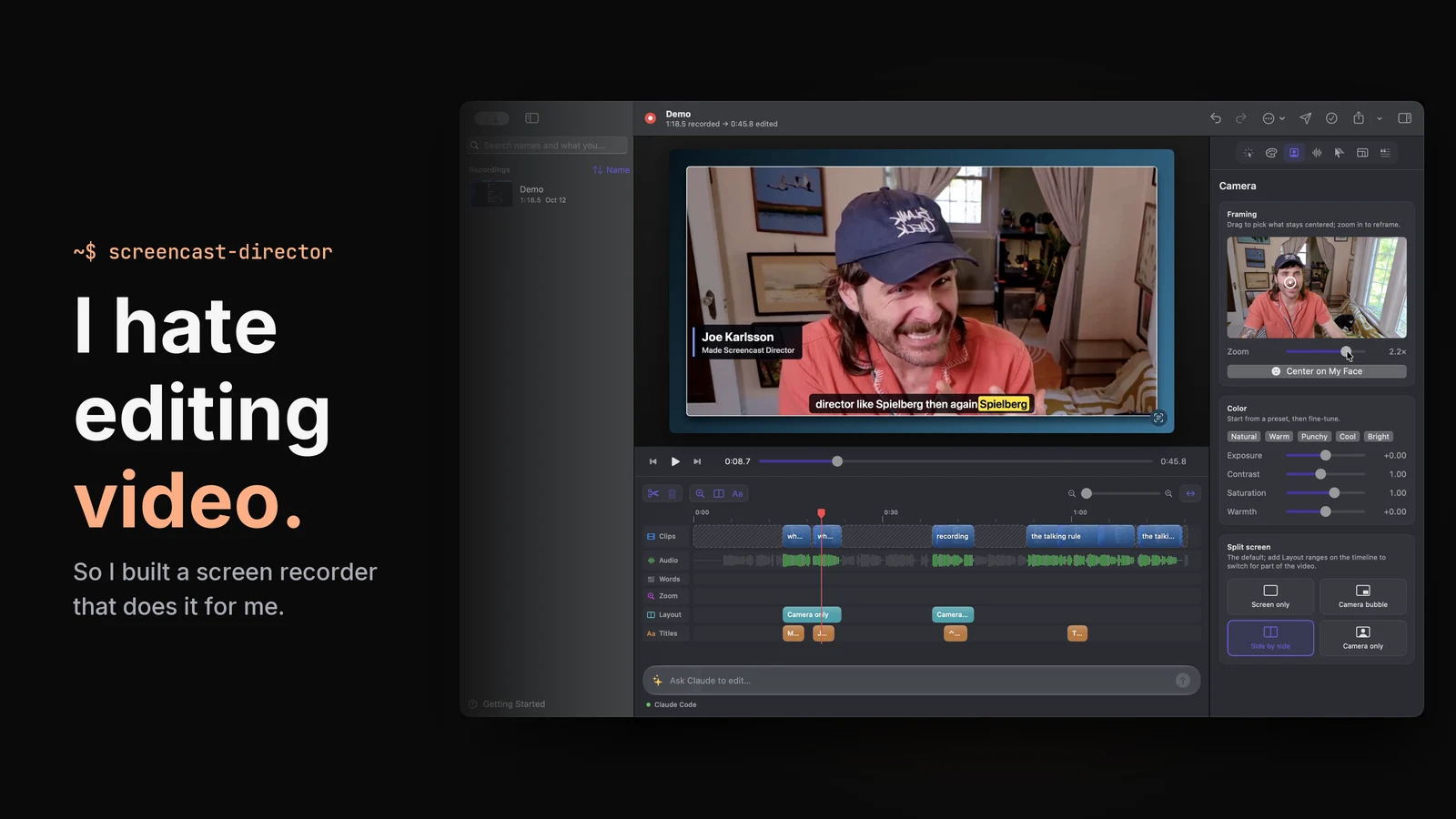
I hate editing video, so I built a screen recorder that edits for me
Screencast Director is an open source macOS screen recorder that drafts the edit: it cuts dead air, speeds up typing and takes edits from the AI model you pick.
Sep 25, 2026
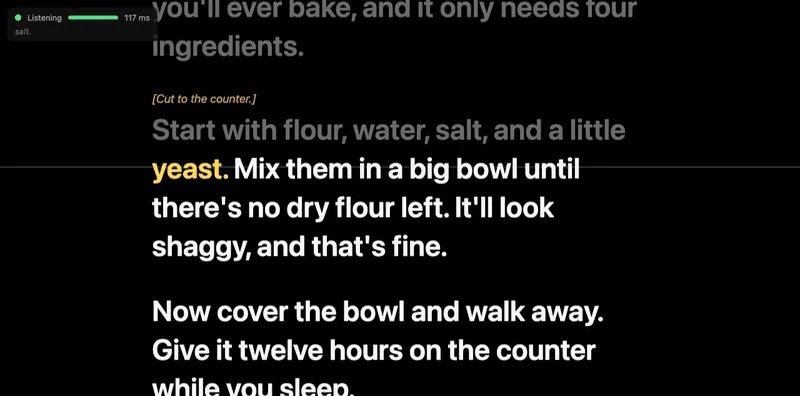
I Can't Memorize Lines, So I Built a Teleprompter That Listens
FollowSpot is a voice-following browser teleprompter that runs Whisper locally. Why I built it, plus benchmarks of five Whisper models on an M5 Max.